
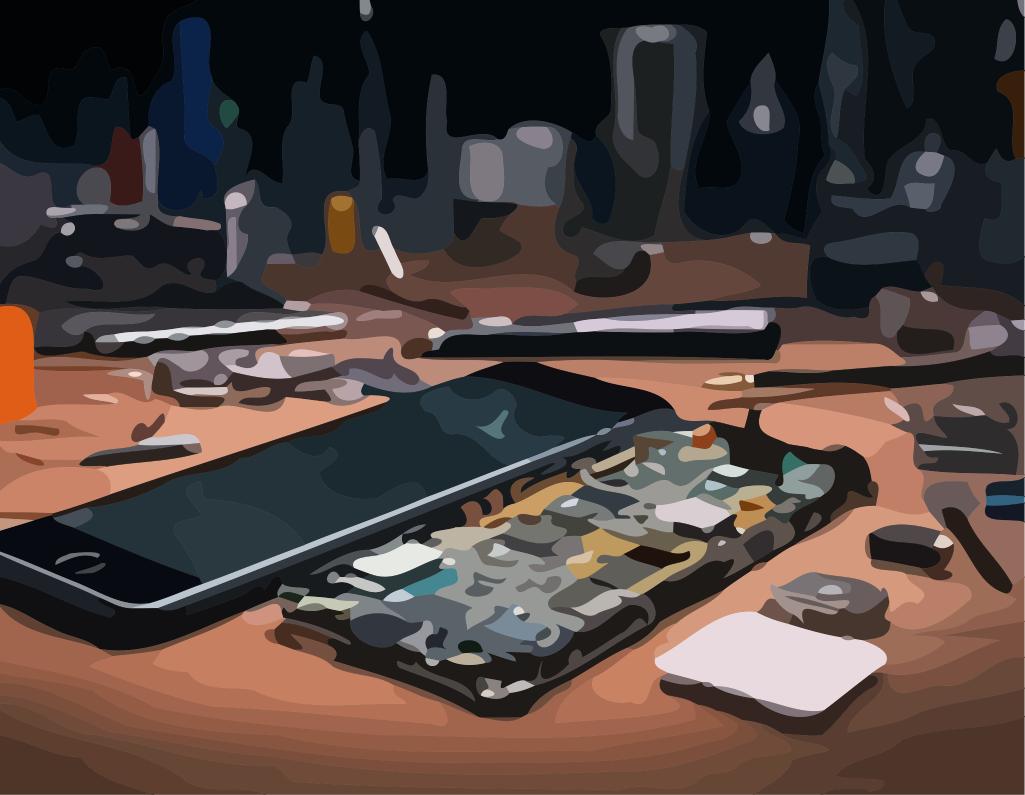

Repairing an iPhone 12 Pro fallen into water: oxidised motherboard
Introduction: Water damage on iPhone 12 Pro
The iPhone 12 Pro is IP68 certified, but prolonged immersion in salt or sugar water, seawater (at the beach for example), swimming pool (chlorine), or a prior impact on the chassis may be enough to allow water to penetrate inside the device.
When an iPhone fails to turn on after being dropped in water, the main cause is often an oxidized motherboard: liquid residue attacks components, creates short circuits and blocks essential power lines.
Diagnosis: confirm the fault and oxidation
Questions for the customer
Before starting, we seek to understand what happened: type of liquid (fresh water, salt water, sugary drink, seawater, swimming pool), duration of immersion and actions attempted afterwards (charging, attempted relighting, drying, etc.)
Initial workshop checks
In the workshop, we avoid plugging the iPhone directly into a charger: the board is powered via a laboratory power supply to observe the consumption and detect any possible short circuit.
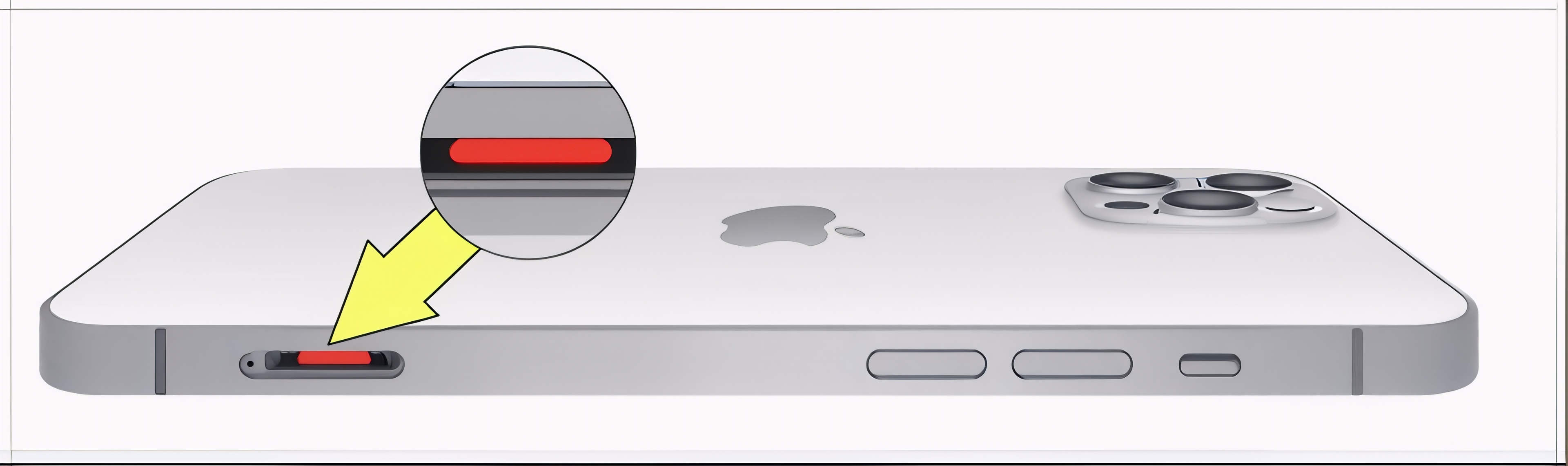
We also inspect the exterior (speaker grilles, camera lens, chassis) to look for traces of liquid before opening.
Internal inspection
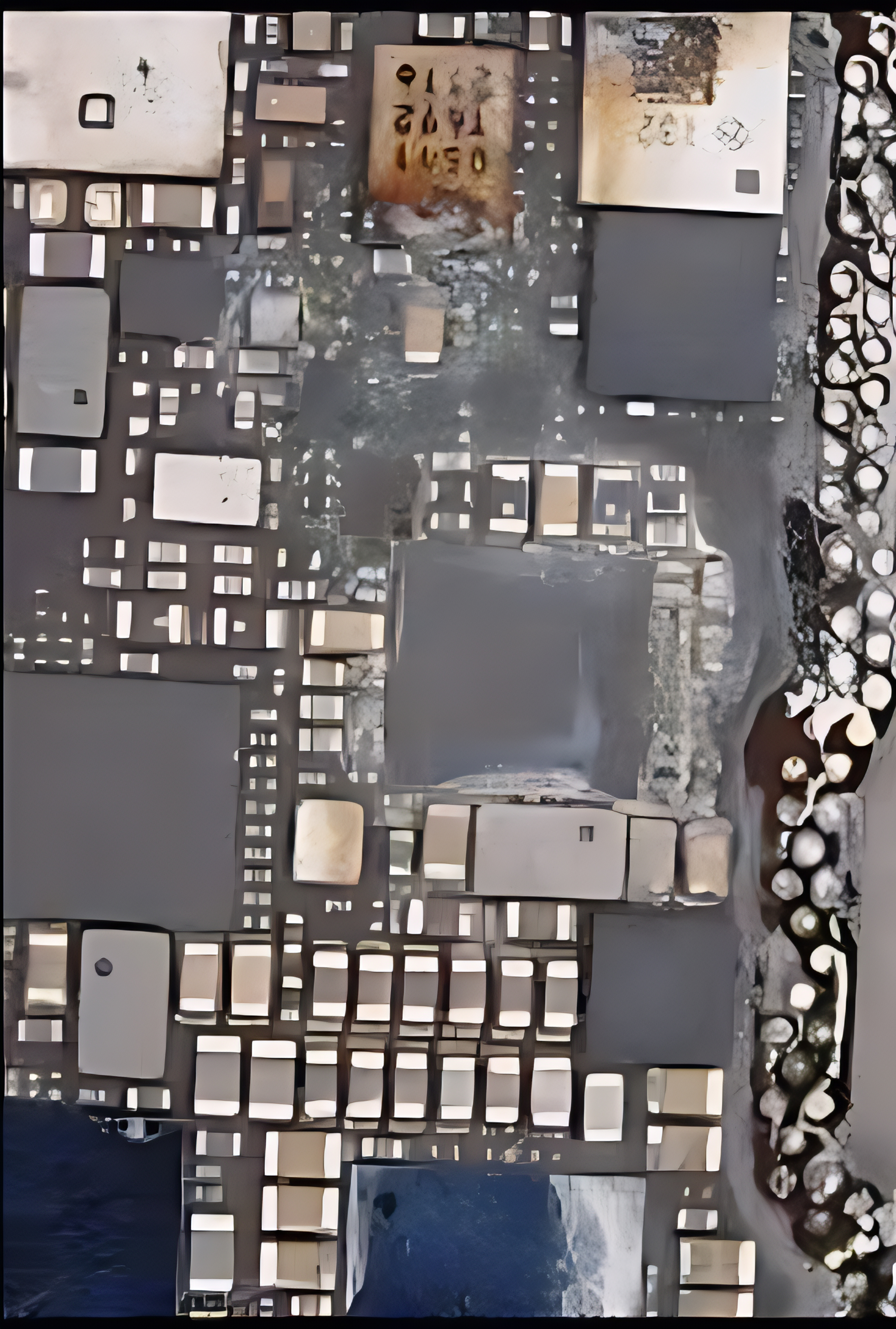
Once the screen is removed, we check the humidity indicators, connectors and shielding: oxidation often manifests itself as green or white traces on the components and screws.
Complete teardown of the iPhone 12 Pro
Workstation preparation
The disassembly begins on a clean, well-lit work surface, with an ESD mat and wrist strap, and the iPhone is completely powered off. The SIM card and accessories are removed.
Opening the iPhone 12 Pro
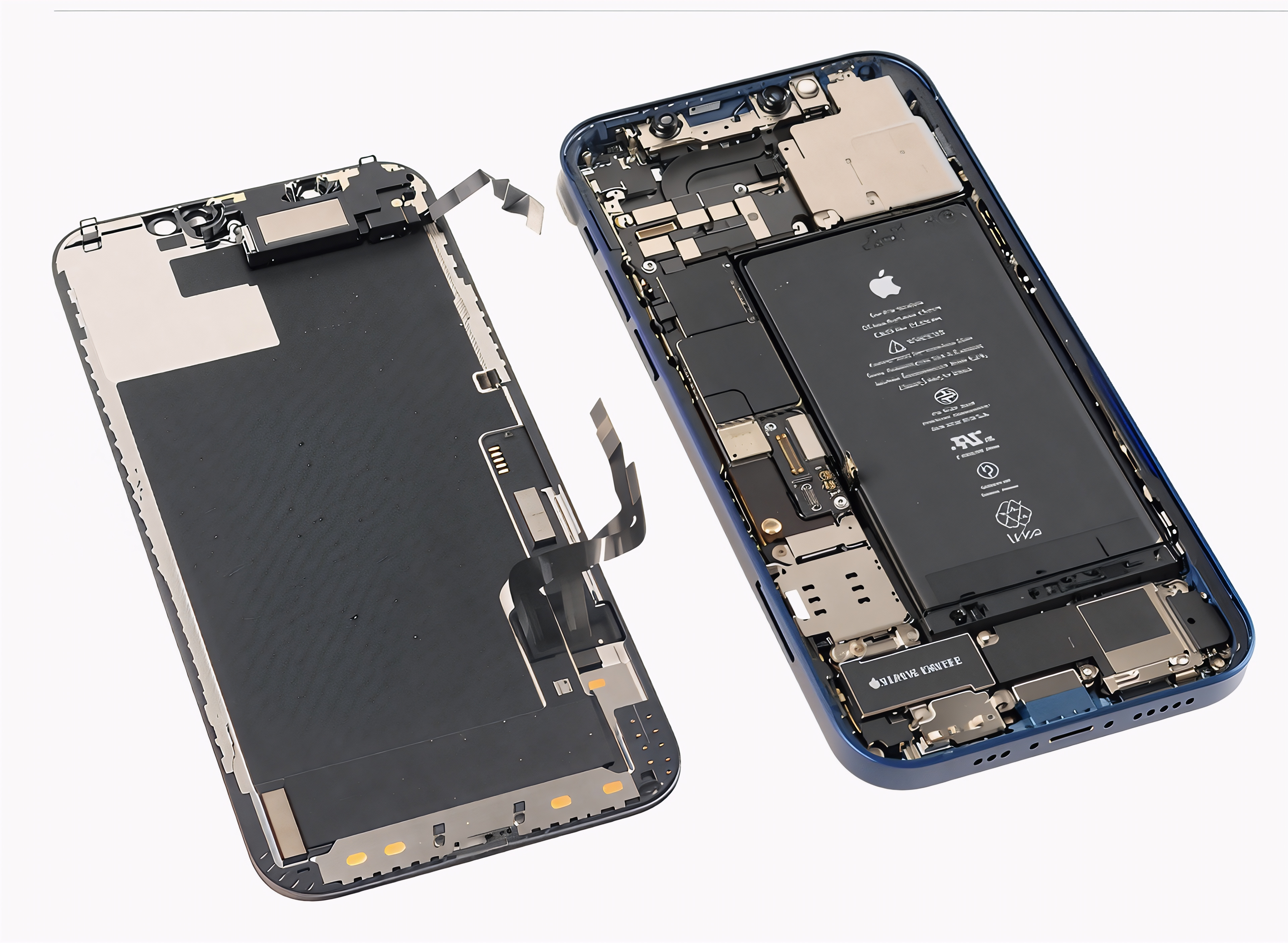
We remove the two Pentalobe screws near the Lightning port, then heat the perimeter of the screen to soften the adhesive before gently lifting the panel with a suction cup and plastic picks.
Access to the motherboard
The battery is disconnected first, then we remove the protective plates, disconnect the ribbon cables and modules, and remove the motherboard, taking care to note each screw and each connector.
Repair procedures for an oxidized motherboard
Initial cleaning and identification of critical areas
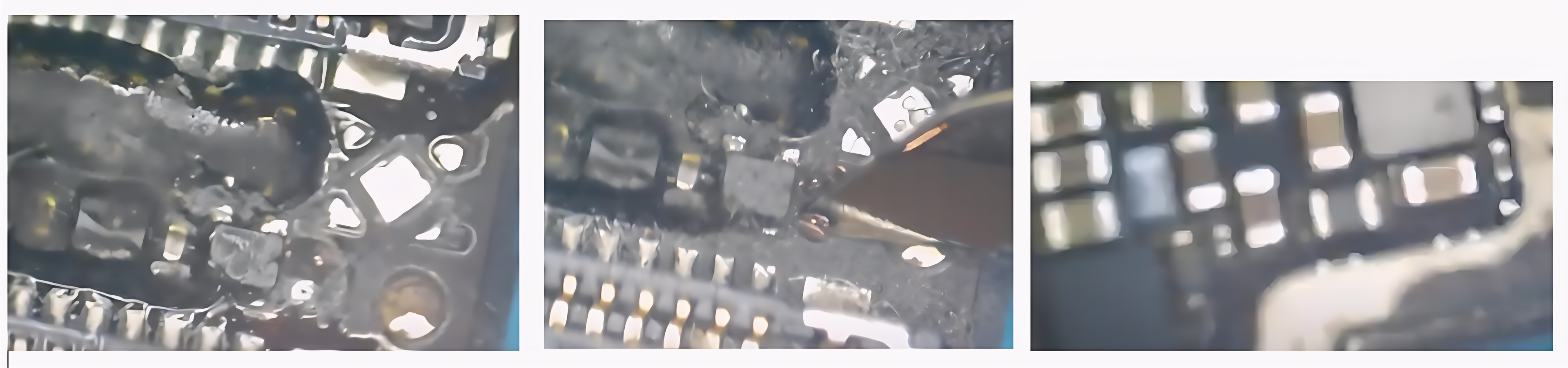
The motherboard is first cleaned with PCB cleaner or isopropyl alcohol, then inspected under a microscope to locate corroded areas: connectors, capacitors, power lines and areas near the charging connector.
Removal of the shielding and thorough cleaning
When oxidation has crept under the shielding, we remove it with hot air, protect the healthy areas, then perform a thorough cleaning, sometimes supplemented by an ultrasonic bath with a suitable PCB solution.
Searching for short circuits and faulty components
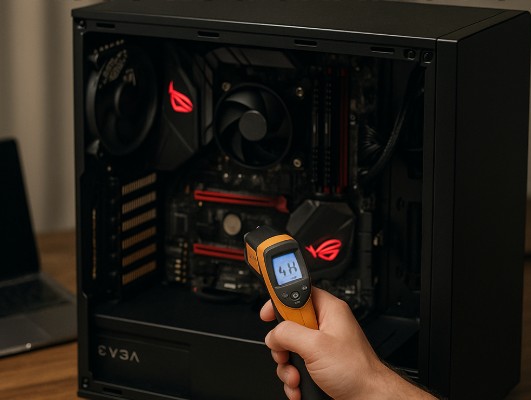
Using a multimeter and a lab power supply, we test the main power lines, inject a low voltage on the shorted lines, then locate the faulty components using the heat generated (thermal camera, alcohol, microscope).
Component replacement and track repair
Oxidized components are desoldered and replaced with donor parts, and damaged traces are remade using reballing wire where possible, before a final cleaning with flux and then IPA.
Tools, consumables and protective equipment used
- Pentalobe, tri-point and Phillips screwdrivers suitable for iPhone.
- Suction cup, plastic guitar picks, nylon spudger.
- Anti-static mat and wristband (ESD).
- Hot air station, fine tip soldering iron, no-clean flux.
- Digital or optical microscope.
- PCB cleaner, isopropyl alcohol, antistatic brushes.
- Ultrasonic bath and suitable PCB solution, if necessary.
- Laboratory power supply, multimeter, possibly a thermal camera.
- iPhone 12 / 12 Pro donor boards for component recovery.
Testing, reassembly, and possible scenarios
Flat tests
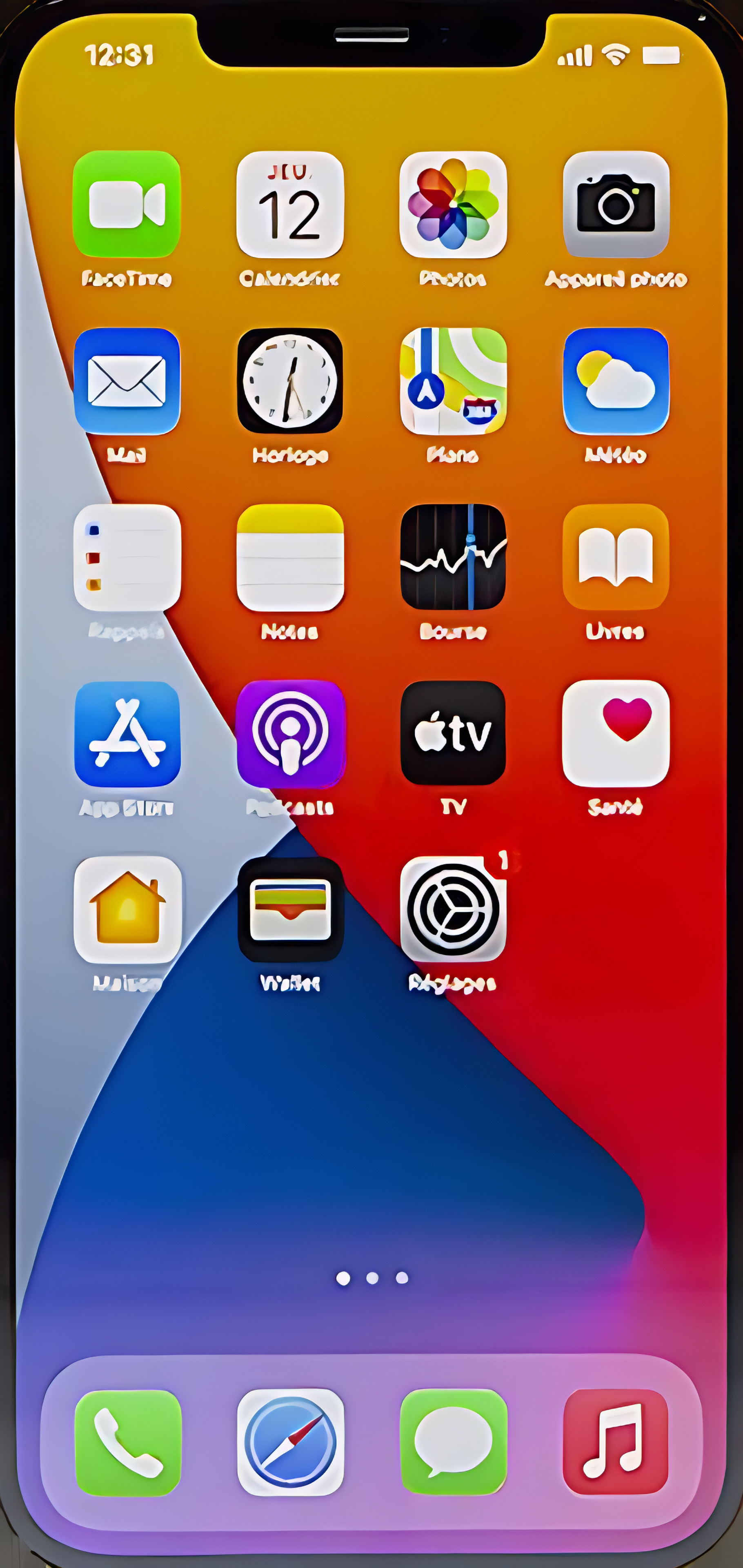
Before full reassembly, we test the board flat with screen, battery and some essential modules to check startup, charging, touch and network.
Final reassembly
Once the tests are validated, we put back in place the shielding, modules, new screen adhesive strips and close the iPhone with its original Pentalobe screws.
Outcome scenarios
After water damage, the result can range from a complete recovery to a functional device but with some degraded functions, or even a motherboard that cannot be recovered, in which case only specialized data recovery remains possible.
Difficulty, advice and professional opinions
Repairing an oxidized iPhone 12 Pro motherboard is an advanced micro-soldering operation that requires a well-equipped laboratory and extensive experience: improper handling can render the board irreparable.
For users, the best course of action is still not to attempt to turn on or charge the iPhone after contact with liquid, and to take it quickly to a workshop for proper disassembly and cleaning.
At luxjim.com, every iPhone 12 Pro that has fallen into water is handled with a precise procedure: diagnosis, cleaning, short circuit detection and microsoldering under a microscope, with a clear explanation of the different possible scenarios before any decision is made.

0 Comments